 P5General Guide
Your adapter.
PS5-ready.
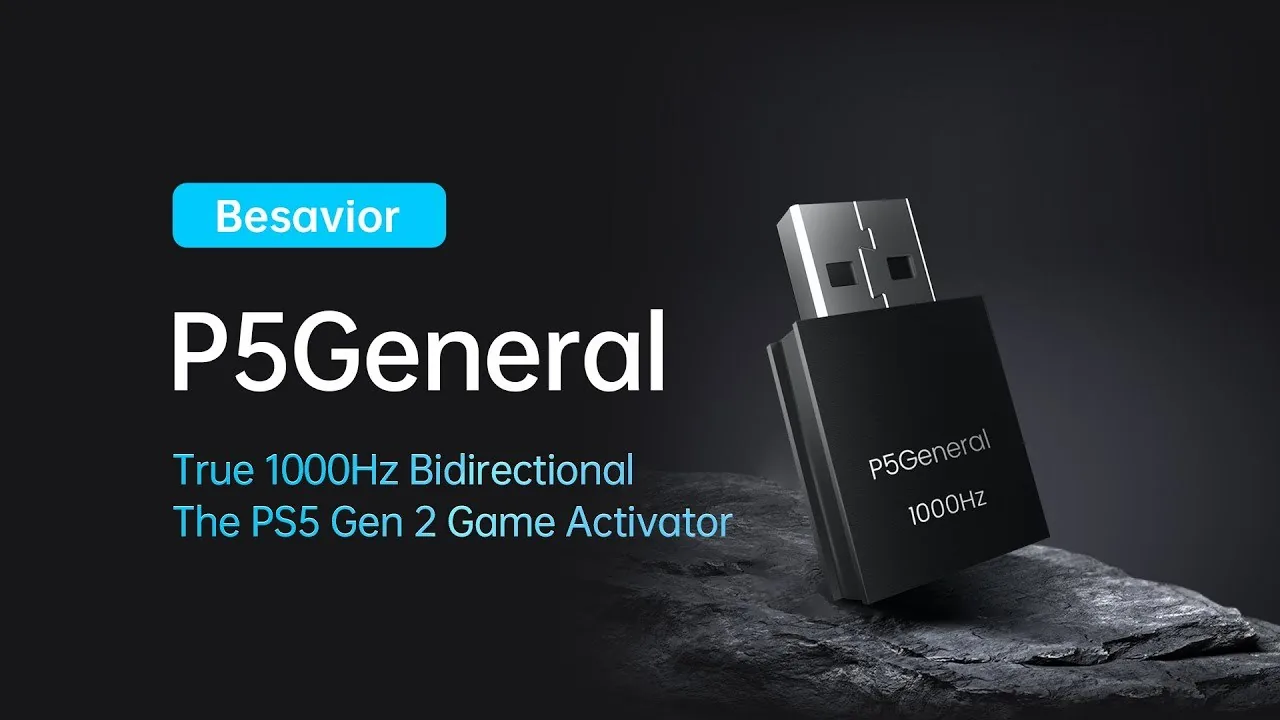
A tiny USB activator that lets your XIM, Cronus Zen, Titan Two, ReaSnow, hitbox or Raspberry Pi build play every PS5 game — at a true 1000Hz, both ways.
Buy at the official store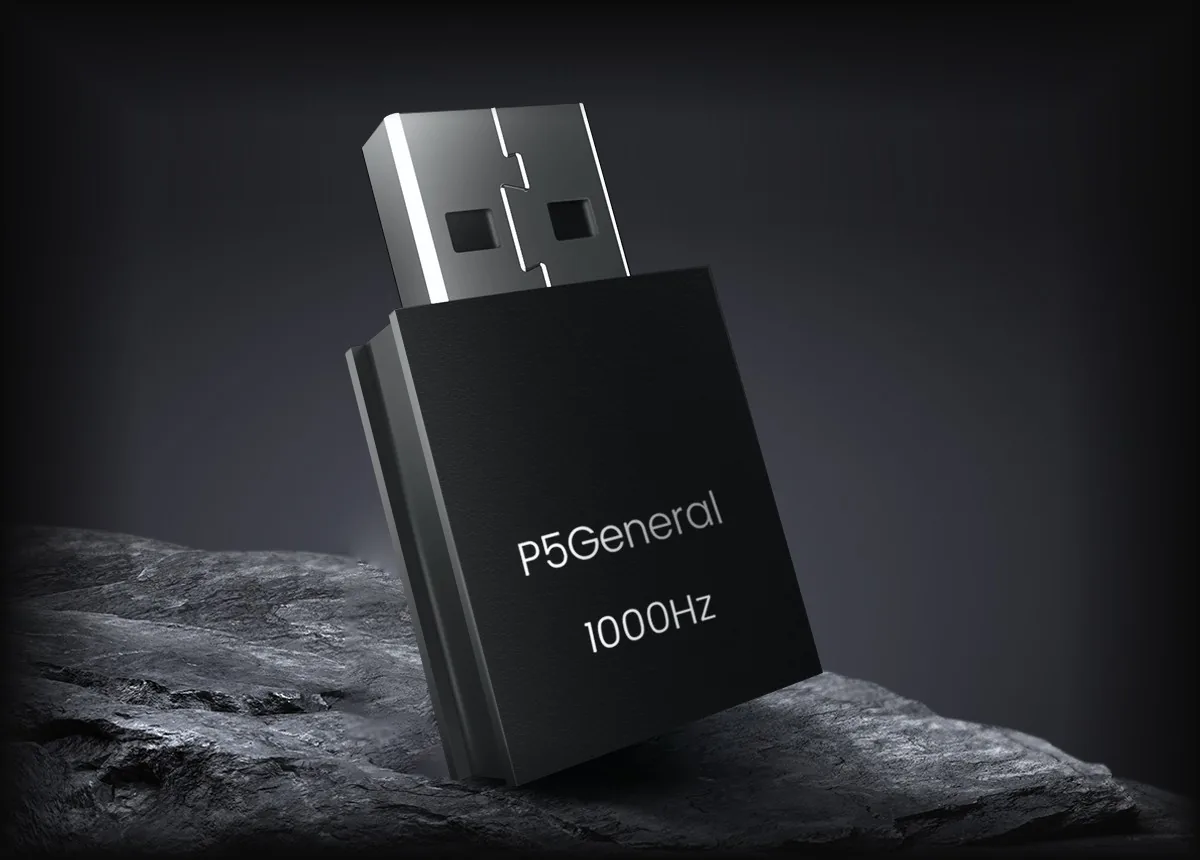
No Remote Play.
No 8-minute cutoff.
Plug straight into your PS5 and play for as long as you like. No PC, no phone, no timeouts.
Watch it in action.
Bring the gear
you already own.
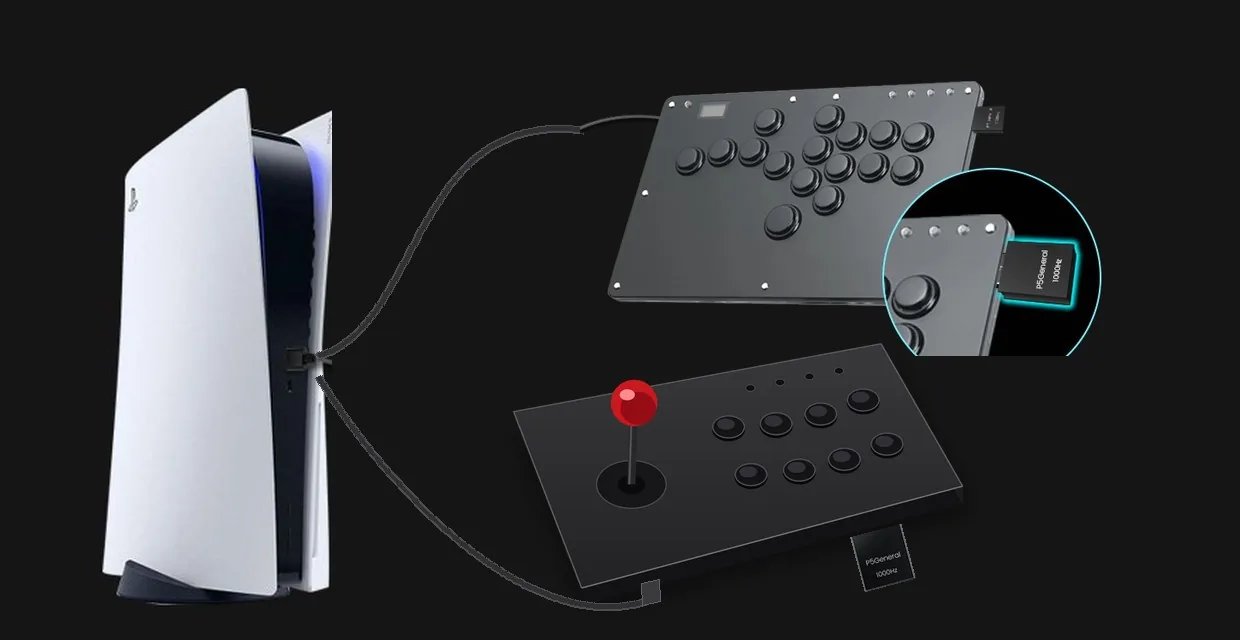
Plug the P5General into your adapter or custom controller and it plays PS5 directly.
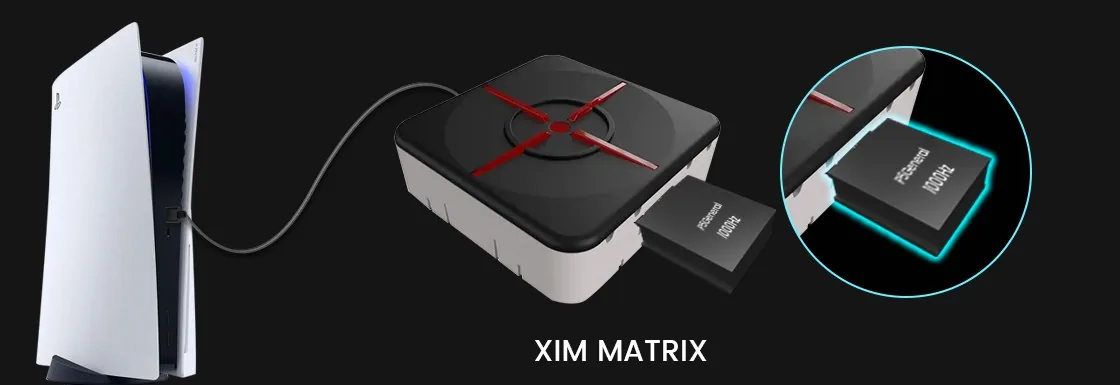
XIM MATRIX
Update the MATRIX, pick PS5 as your console and play.
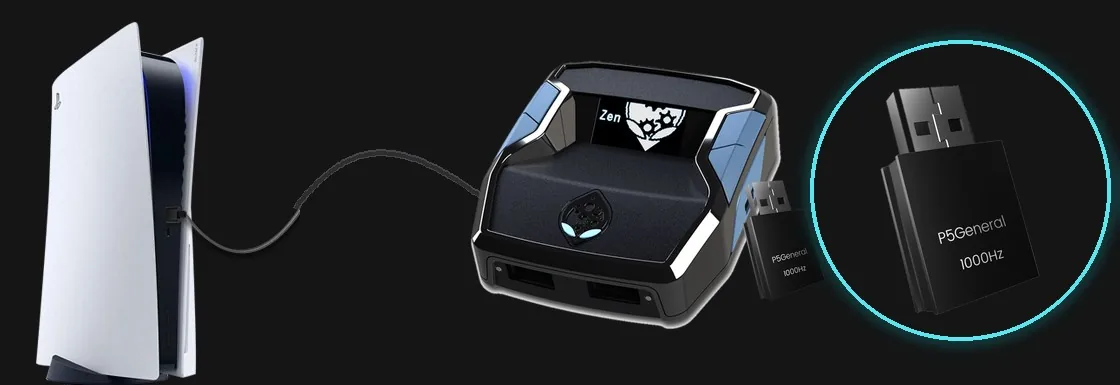
Cronus Zen
Update the Zen to its latest firmware — it adds P5General support.
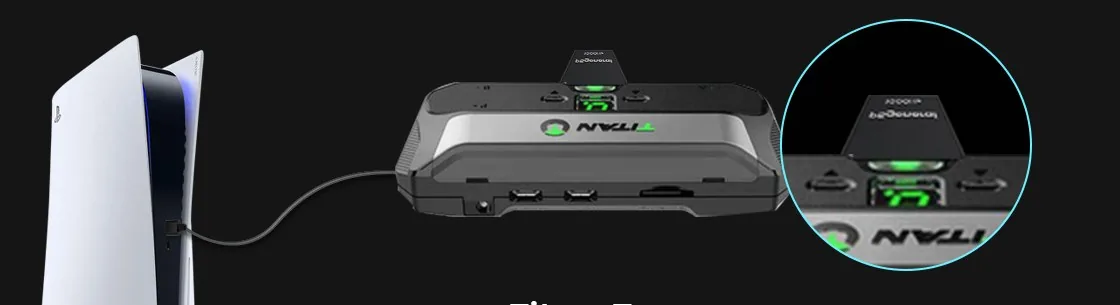
Titan Two
Set the output protocol to PlayStation 5 in Gtuner IV and plug in.
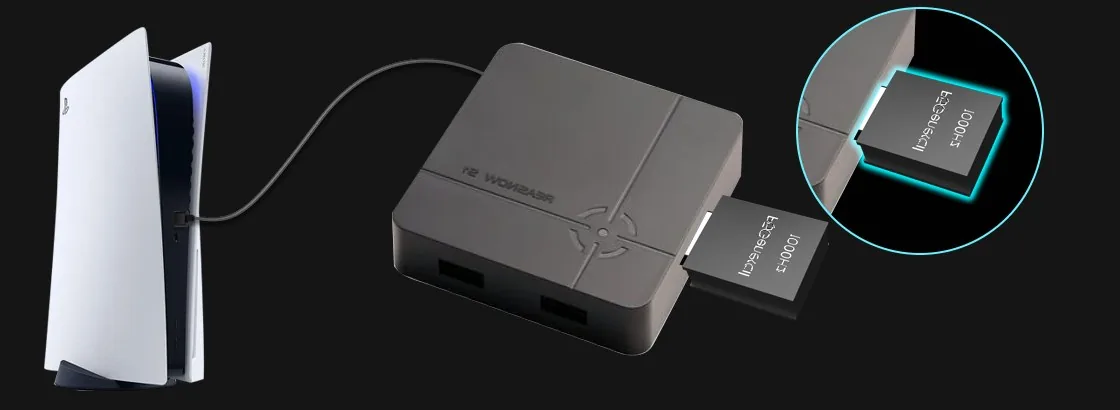
ReaSnow S1
The P5General slots into the S1 — then connect the S1 to your PS5.
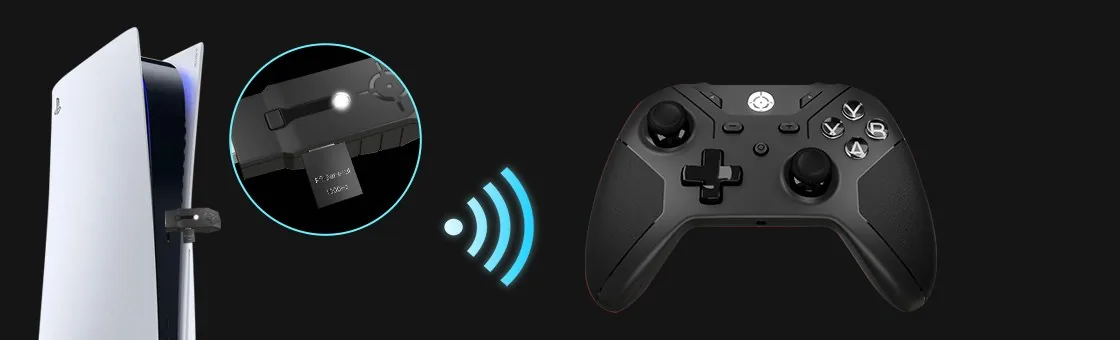
XIM NEXUS
Play PS5 wirelessly with the XIM NEXUS smart controller.
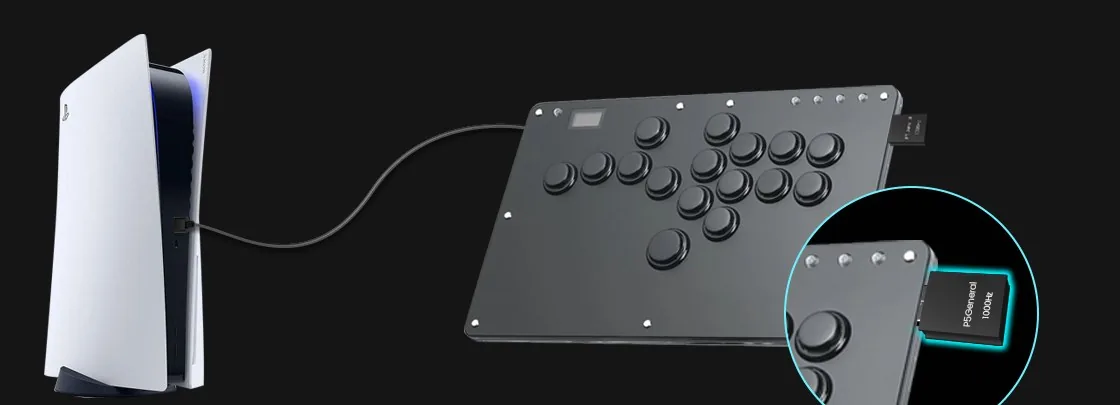
HITBOX & combat keyboards
Plug the P5General into a leverless hitbox and play PS5 fighting games at 1000Hz.
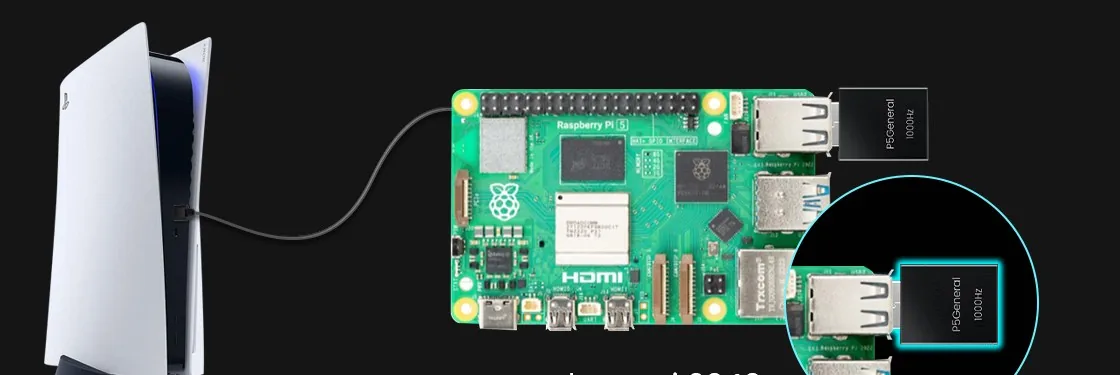
Raspberry Pi 2040
Custom and DIY controllers built on Raspberry Pi hardware can play PS5 too.
Two players.
One PS5.
Supports PS5 local multiplayer. Each player brings their own setup, and both plug straight into the same console.
Open source.
Always improving.
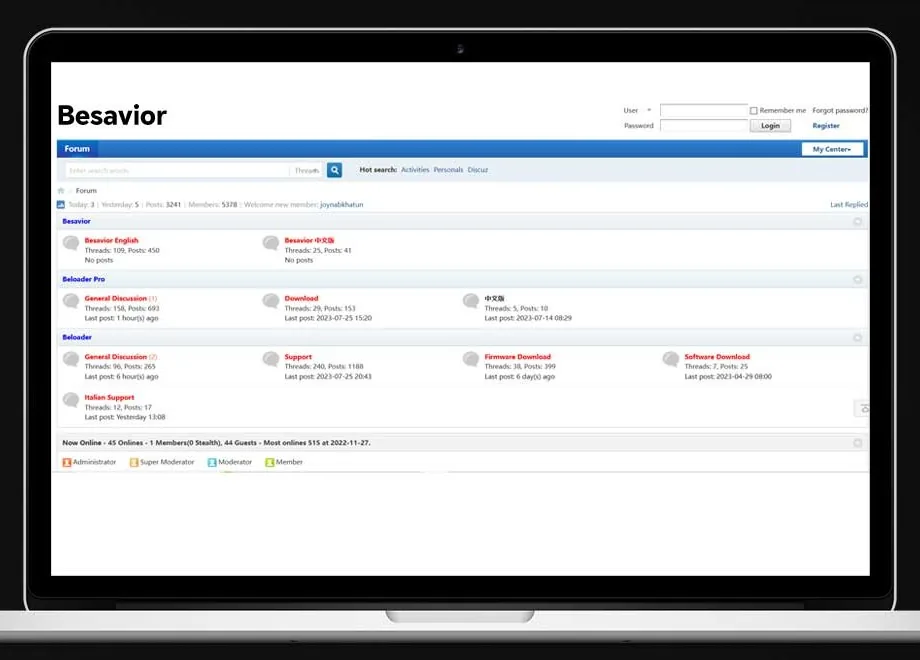
Open-source code maintained by a professional team — with more peripherals, like steering wheels, on the way.
Set up in four steps.
Update first.
Your device needs firmware that supports the P5General.
XIM MATRIX
Update to the latest firmware and select PS5 as your console.
Cronus Zen
Update to the latest Cronus Zen firmware — it adds P5General support.
Titan Two
Install the latest firmware in Gtuner IV and set Output Protocol to PlayStation 5 (USB).
ReaSnow S1
Update to the latest firmware.
XIM NEXUS
Update both the NEXUS controller and its adapter to the latest firmware.
Good to know.
Your device needs P5General firmware
It only works with adapters whose makers have added P5General support. Update your device to its latest firmware before you plug it in.
Turn off Remote Play mode
On your adapter, switch off its Remote Play mode and connect it straight to the PS5 over USB, as your device's instructions describe.
In the box
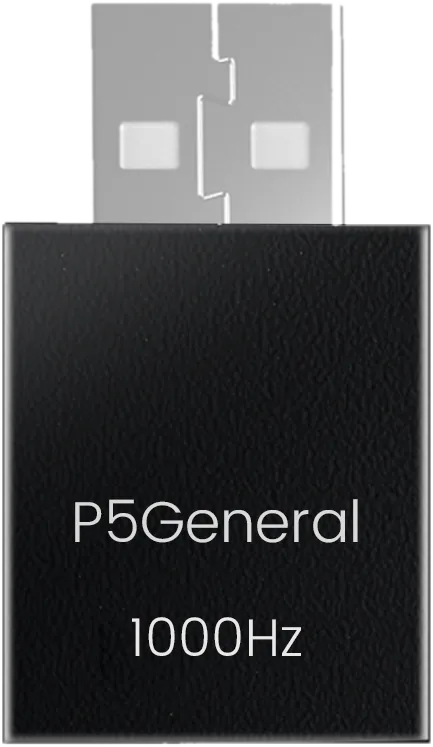
The P5General USB activator.